Your cart is empty
It’s easy! Here’s a peek at what our builder will guide you through.
As you make selections, your project preview will update in real time.
Absolutely. Book a free appointment with an expert framer in store to frame sentimental items, collections, 3D art and more. We’ll help you design a custom piece.
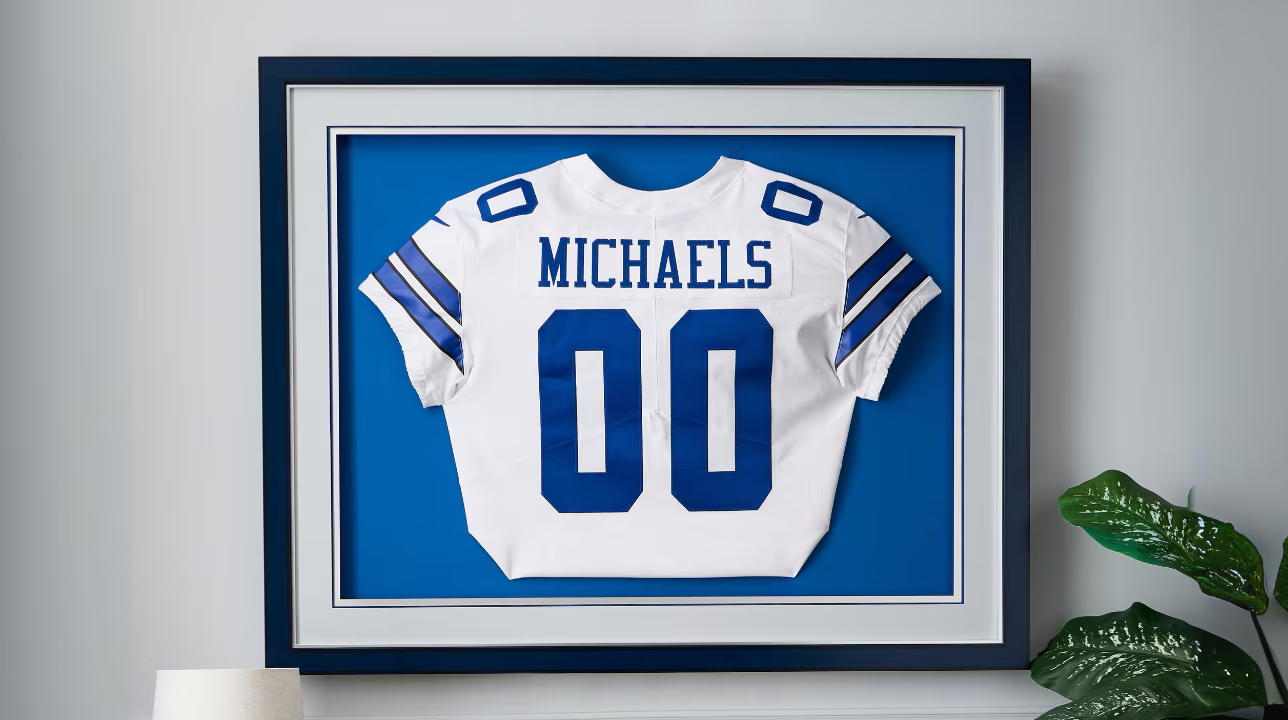
You can also create a frame online for some physical items, like jerseys, posters, documents, canvas and more. After ordering, just drop them off at your local store. We’ll keep them safe.
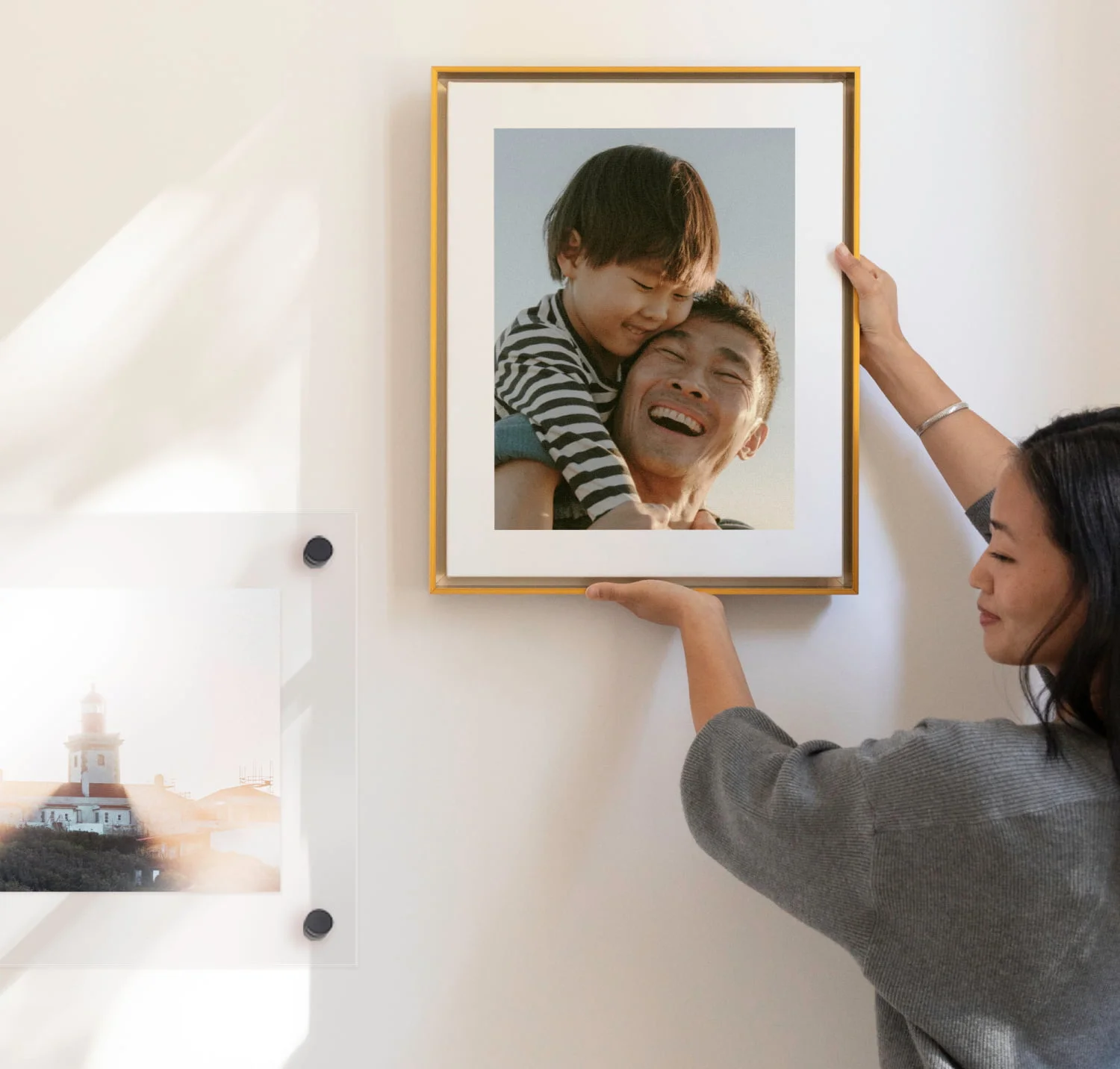
Of course! Our online frame builder shows a live preview that updates in real time with every selection. You can even click “View in your space” to see how it looks on your walls.
When designing in store, you can physically mix and match moulding, mat and fillet samples. Our experts can also show you a digital mockup.
If you want to collaborate with an expert framer in store, make sure you’re logged in, then save your project.
Head to your local store and let a framer know you’ve started a project. They’ll pull up the details and help create exactly what you want.
We accept JPG, JPEG, PNG and GIF files up to 50 megabytes in size and resolution up to 150 megapixels. For the sharpest results, your image size should be at least 504 × 504 pixels.
The maximum print size is 32" × 40" with a high-resolution photo. If the resolution is too low, the online frame builder will let you know.
Yes, you can rotate images and adjust crop, brightness and filters after you upload images.
Yes. You can choose from hundreds of art prints in our gallery.
Anything!
Online: Jerseys, posters, art, photos, documents, canvas and more 2D items.
In store: Oversized items, stitchwork, medals, heirlooms, collections and much more.
Our experts wear white gloves to keep oils and fingerprints at bay, and your items never leave our climate-controlled stores.
Take a photo of your item to design your frame online, then drop it off at any Michaels store.
You can also complete the whole process in store with free expert guidance.
Take a photo of your canvas to use as a placeholder in the online frame builder. Then, tell us how your canvas is prepared:
Yes. If your canvas is loose, we'll stretch and mount it before framing.
Every piece is truly custom, so prices vary based on frame sizes, mouldings, mats, details and glazing options.
When designing in store, our expert framers will create an estimate for your project. With online framing, you can see your total cost adjust in real time based on the options you select.
Standard delivery: 7 – 10 days
Expedited shipping: 3 – 5 days
Store pickup: 14 – 21 days